
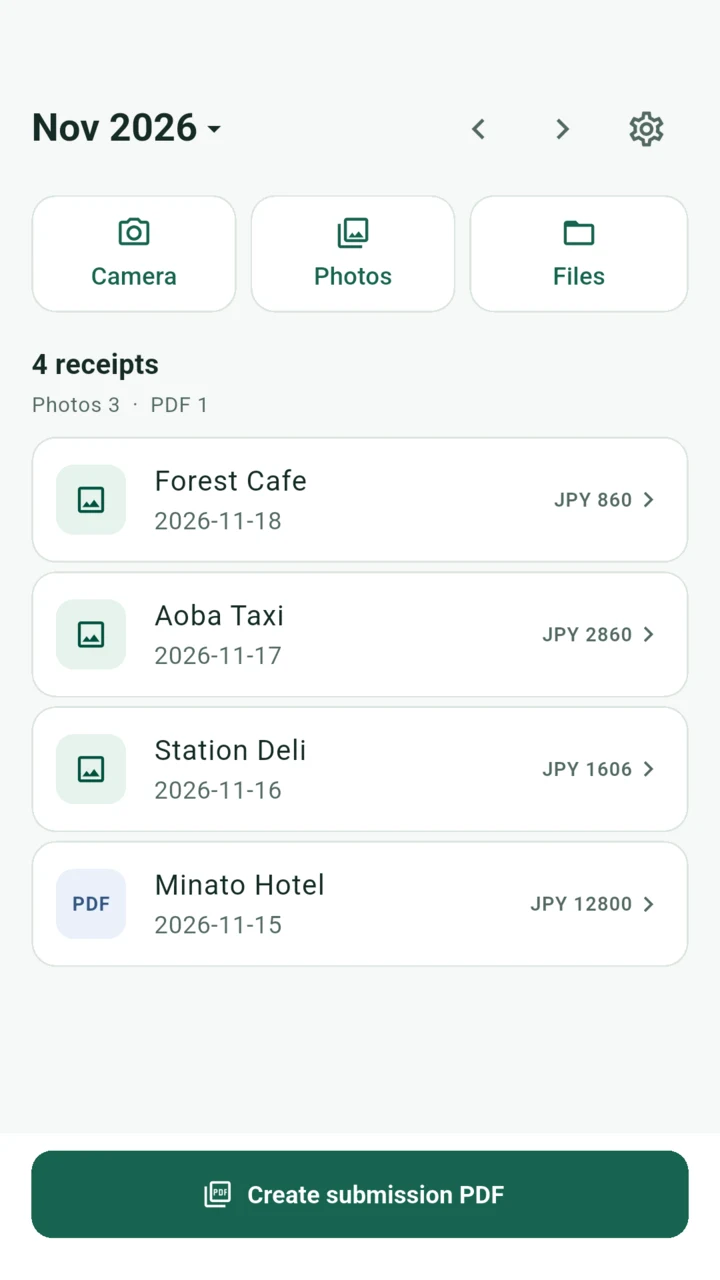
Import receipts
Use your camera for paper receipts. Add saved photos and digital PDFs to the same monthly list.
Scan paper receipts and import digital PDFs. Automatically read dates, amounts, and merchant names, then export one PDF for your expense report.

Free with ads, no account required
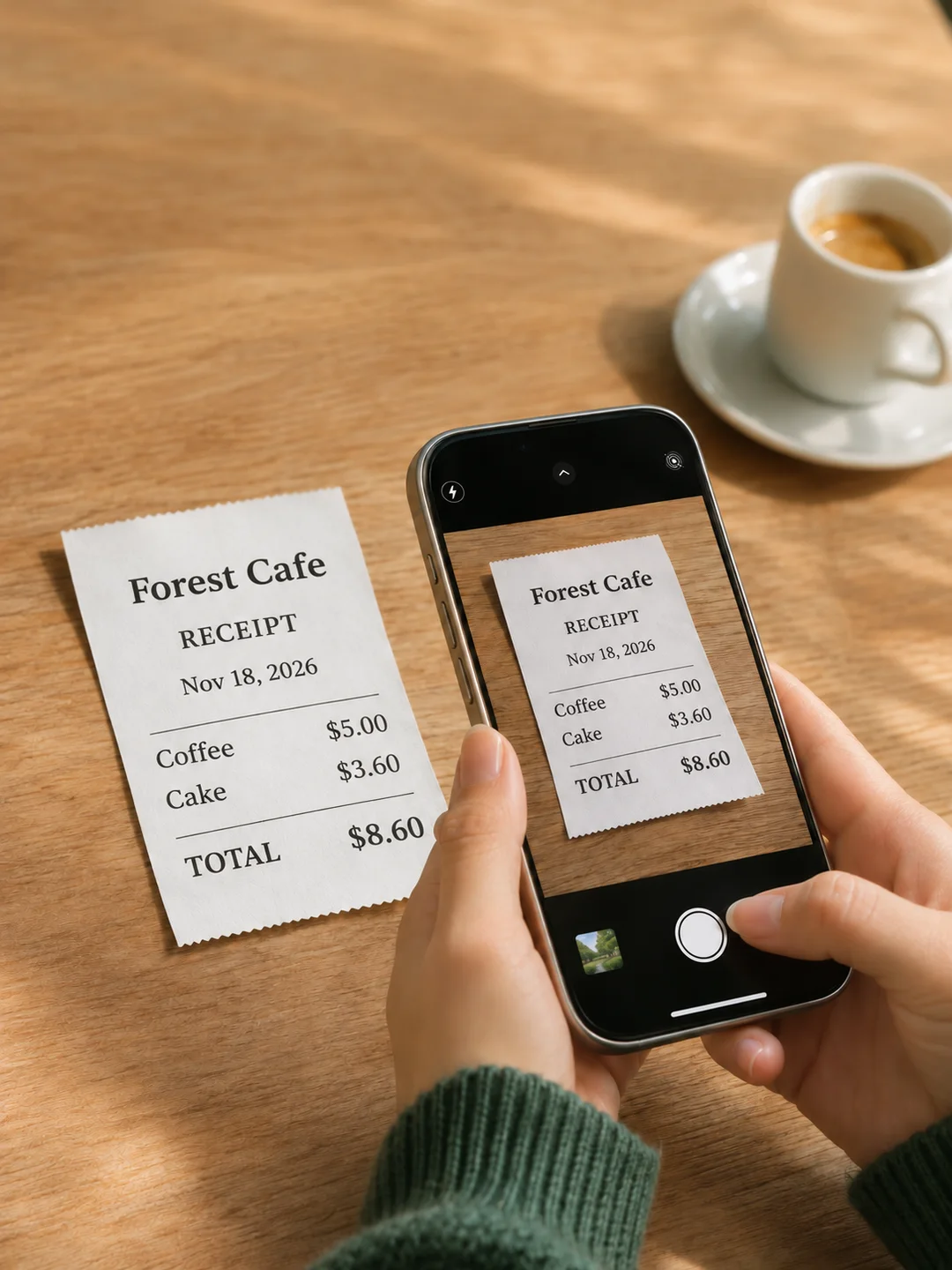
Use your camera for paper receipts. Add saved photos and digital PDFs to the same monthly list.
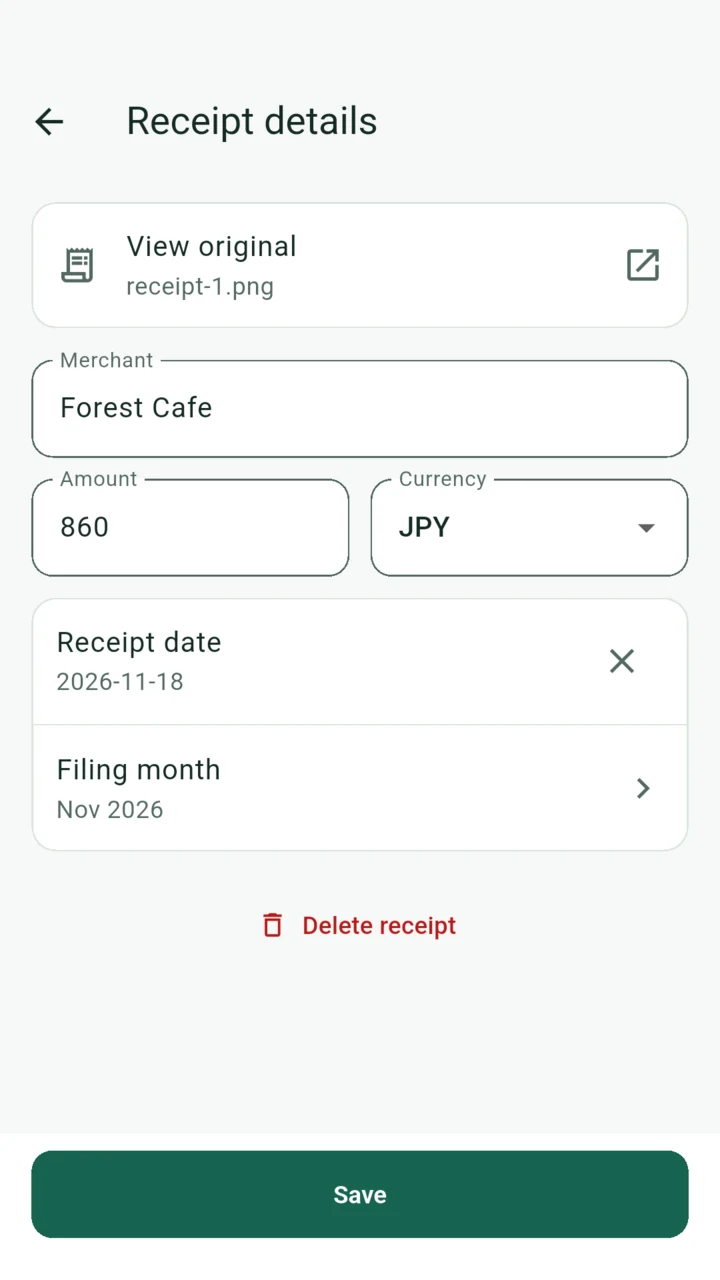
Receipt Stitch suggests the date, amount, and merchant. Check the original and edit any field before you save.
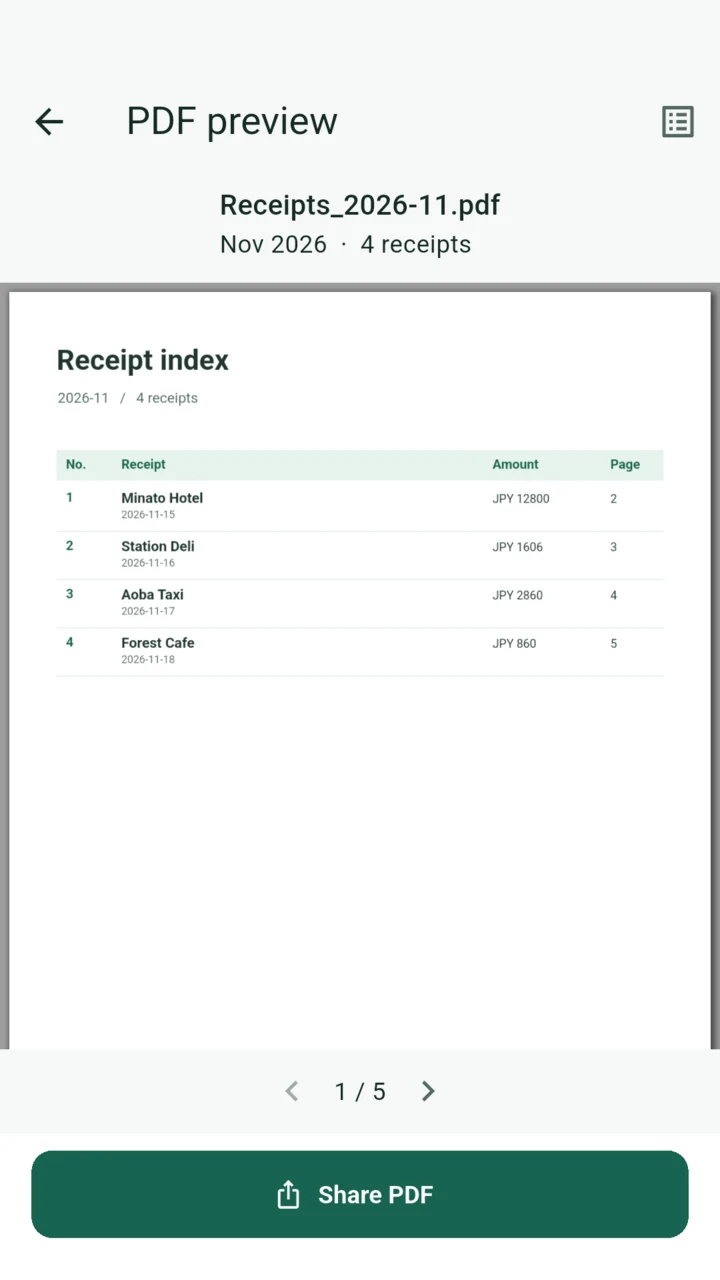
Choose the receipts and put them in order. Export a single PDF with an index, then save or send it from your phone’s share menu.
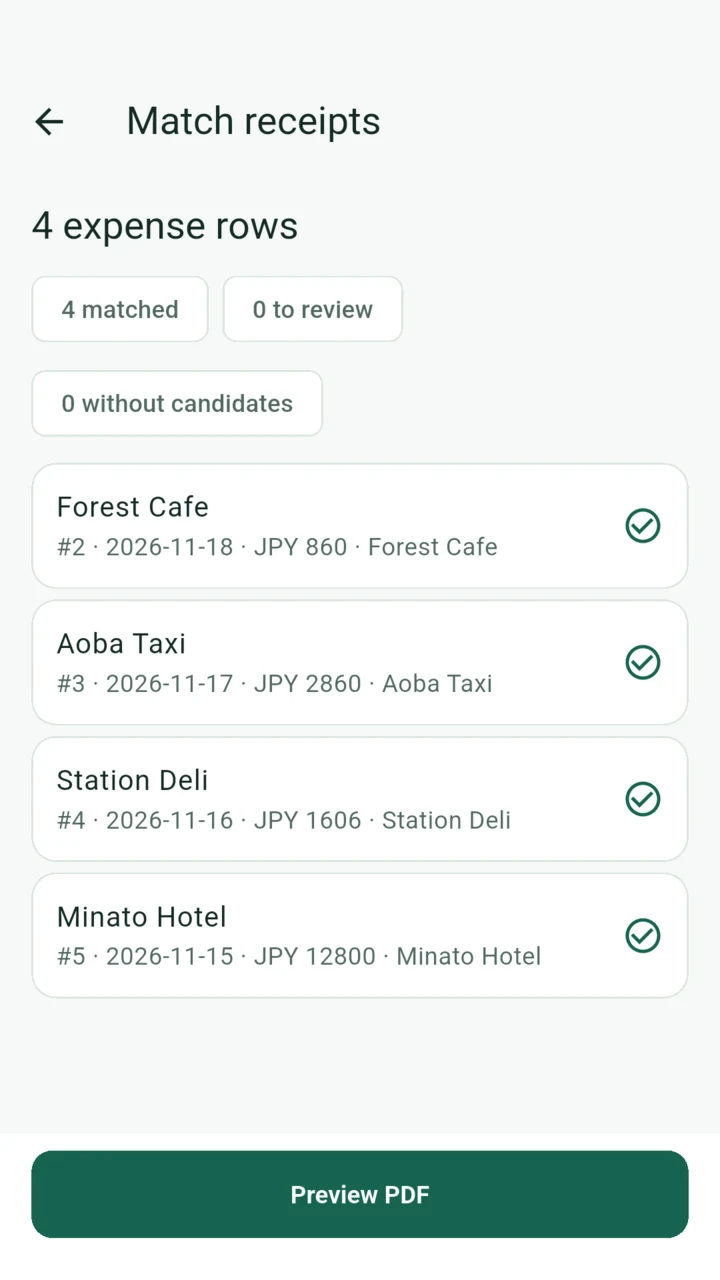
Open your completed .xlsx report. Receipt Stitch matches receipts by date, amount, and currency, then puts them in the same order as the rows in your report.
Receipt Stitch processes your receipts and spreadsheet on your phone. You decide when to share the finished PDF.
Yes. All features are free. The app displays ads and requires no account.
Yes. Import digital receipts saved as PDFs or images. You can combine original PDF pages with photos of paper receipts in the same export.
Choose “Use receipts only” to create a PDF from the receipts you select, in the order you choose.
Yes. You can edit the date, amount, merchant, and other details. Scan accuracy depends on how clear the receipt is and how it’s laid out, so check the fields against the original before submitting.