 Tsumicue
What should we build today?
Tsumicue is a 3D guide to building houses, trains, and castles with the blocks you already have. See which piece comes next and where it goes.
 Free on Android

Pick it. Gather the blocks. Build it together.
 Enlarge screen
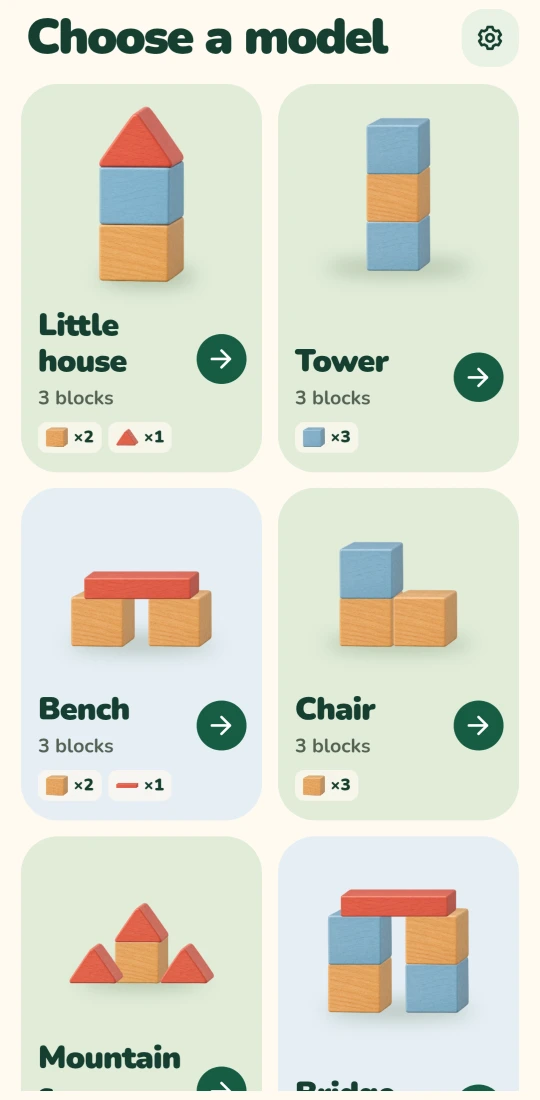
Choose something to build
Start with a house, a train, or any model that catches your eye.
 Enlarge screen
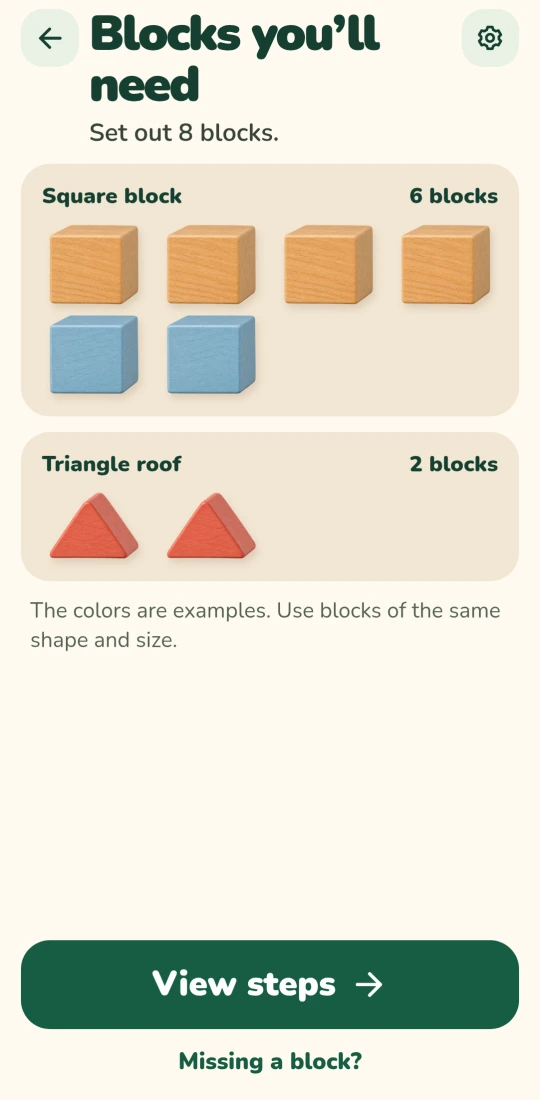
Gather the blocks
Check the shapes and how many of each you’ll need before you start.
 Enlarge screen
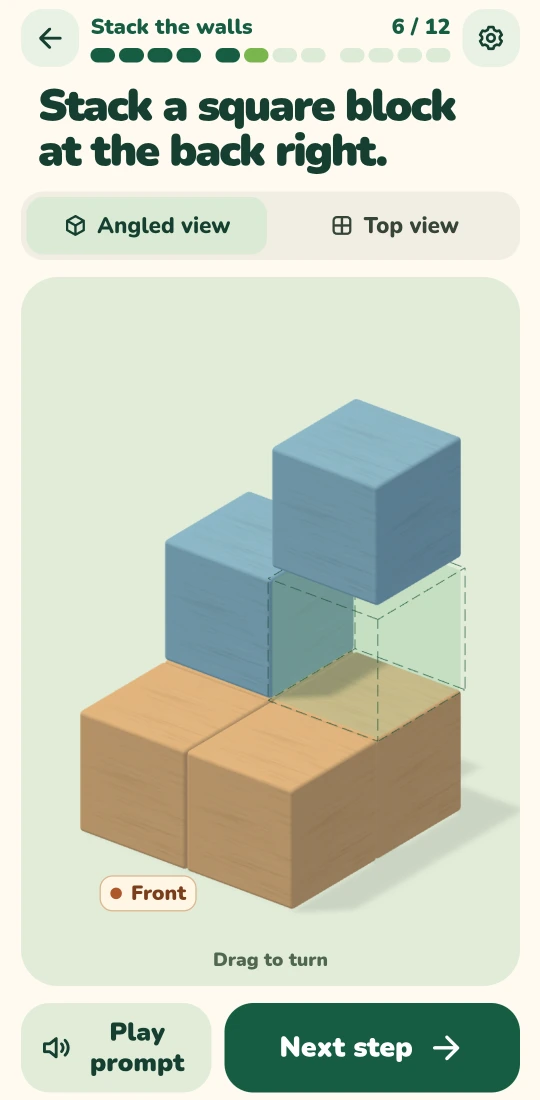
See where each block goes
Rotate the 3D model to see the back. Tap “Play prompt” to hear the step again.
Frequently asked questions
- Do we need a special set of blocks?
- Use the blocks you have if their shapes and sizes match the model. The colors can be different. If you’re short a piece, tap “Missing a block?” in the app to choose another model.
- Can we build without an internet connection?
- Yes. Once the app is installed, you can use the models, 3D instructions, and voice guidance offline.
- Can I turn off voice guidance?
- Yes. You can switch voice guidance on or off in the app settings.
Find your next build together.